With an hourly or quarter-hourly electricity contract, the price varies a lot during the day. The same kilowatt hour can cost 20 öre in the middle of the night and several kronor on a cold weekday evening. With Home Assistant your home can move consumption to the cheap hours by itself: the heat pump saves on heating when power is expensive, and a small light in the hallway shows everyone whether it is a good time to start the washing machine.
⚡ In short
- The Nord Pool integration in Home Assistant fetches the spot price for your area (SE1 to SE4), with no account and no cost.
- An ATOM Lite for 209 kr becomes a price light: green when power is cheap, yellow when normal and red when expensive.
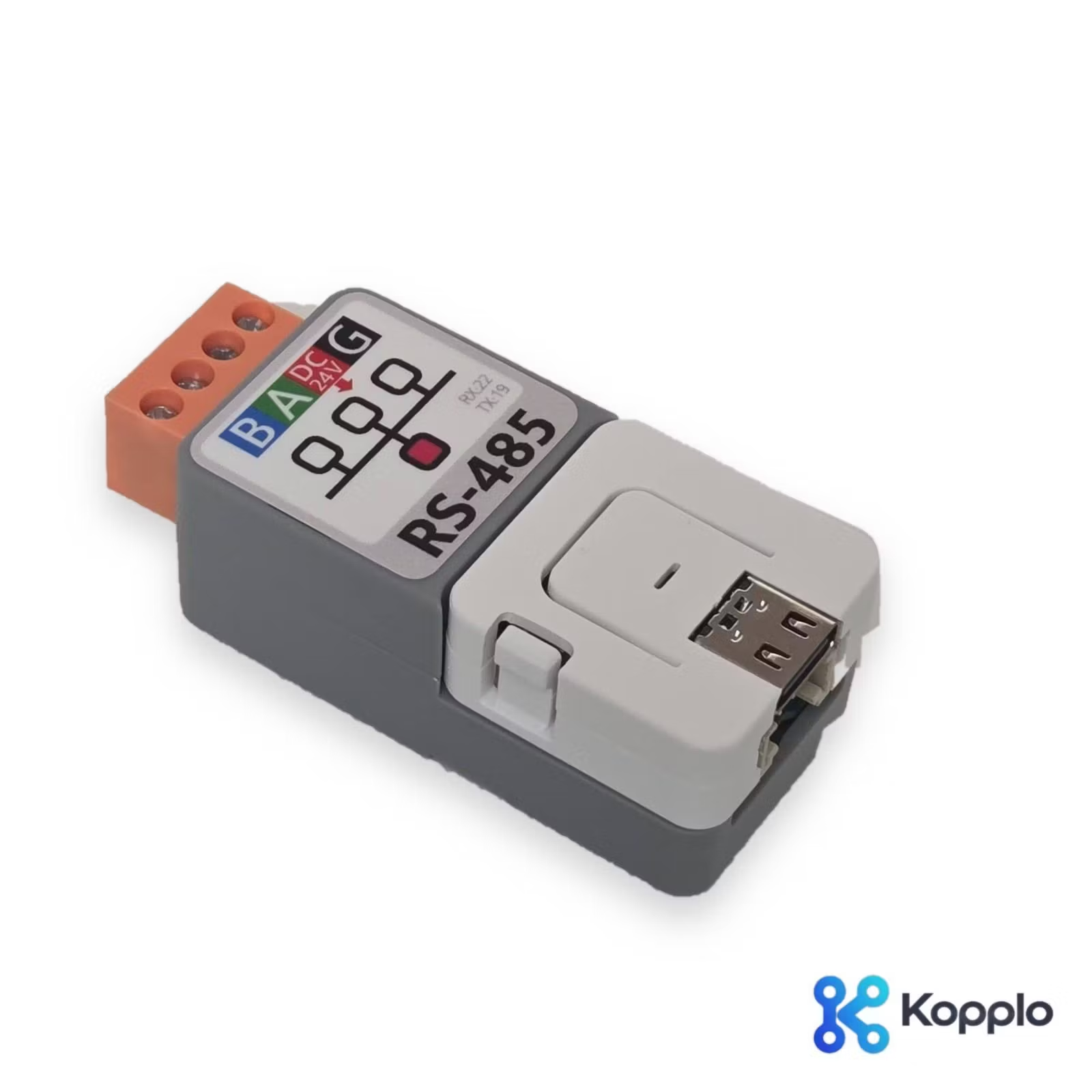
- With our RS485 kit, Home Assistant can lower the heat on a NIBE heat pump by a degree or so when the price peaks.
- Everything runs locally. The only thing fetched from the internet is the price itself.
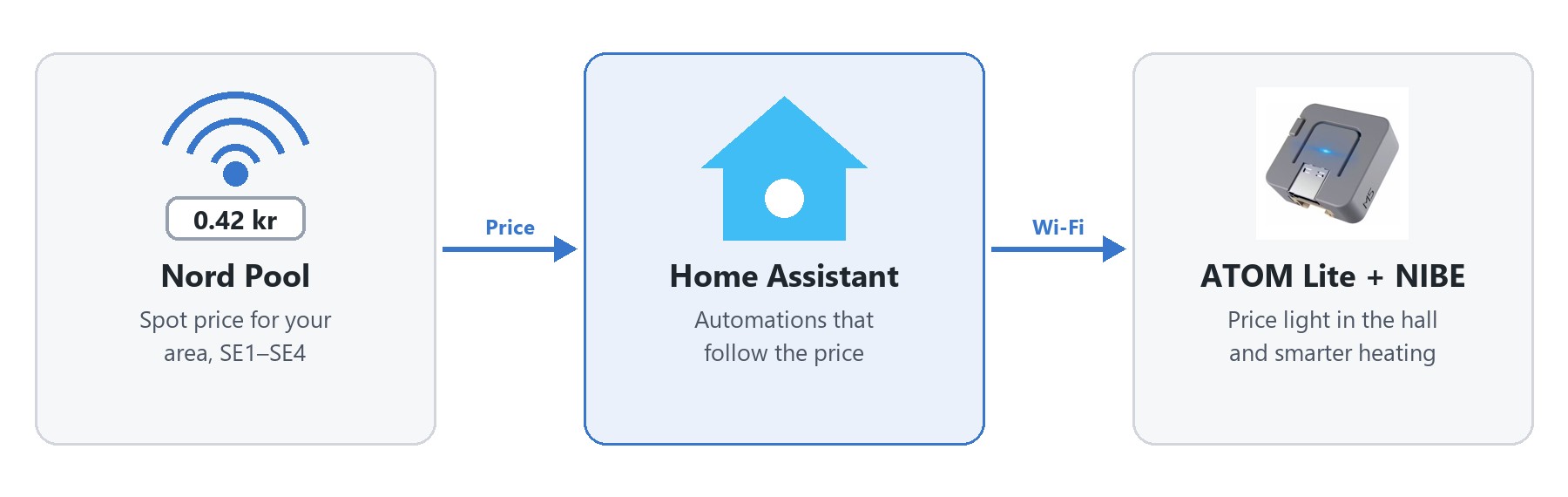
Home Assistant fetches the price and lets the light, the heat pump and your automations react.
⚠️ Only for hourly or quarter-hourly pricing
If you have a fixed price or an ordinary monthly average price, your cost does not depend on when during the day you use power. Check your contract before you build automations to save money.
Step 1: Get the electricity price into Home Assistant
- Go to Settings → Devices & services → Add integration and search for Nord Pool.
- Choose your price area (SE1 Luleå, SE2 Sundsvall, SE3 Stockholm, SE4 Malmö) and the currency SEK.
- The integration creates sensors for, among other things, the current price and the lowest, highest and average price of the day.
The Nord Pool price is the spot price without VAT, grid fees and the retailer's margin. That is plenty to tell when power is cheap or expensive. If you have Tibber, you can just as well use the price from the Tibber integration.
💡 Quarter-hour prices
Since autumn 2025 the spot price is set per quarter hour instead of per hour. Home Assistant handles it automatically, but keep in mind that the price can change four times an hour when you build automations.
Step 2: Build a price light with an ATOM Lite
This is the most fun and most useful step. An ATOM Lite in the hallway or kitchen shows the price as a colour, so everyone sees straight away whether it is time to start the dishwasher, without opening any app.
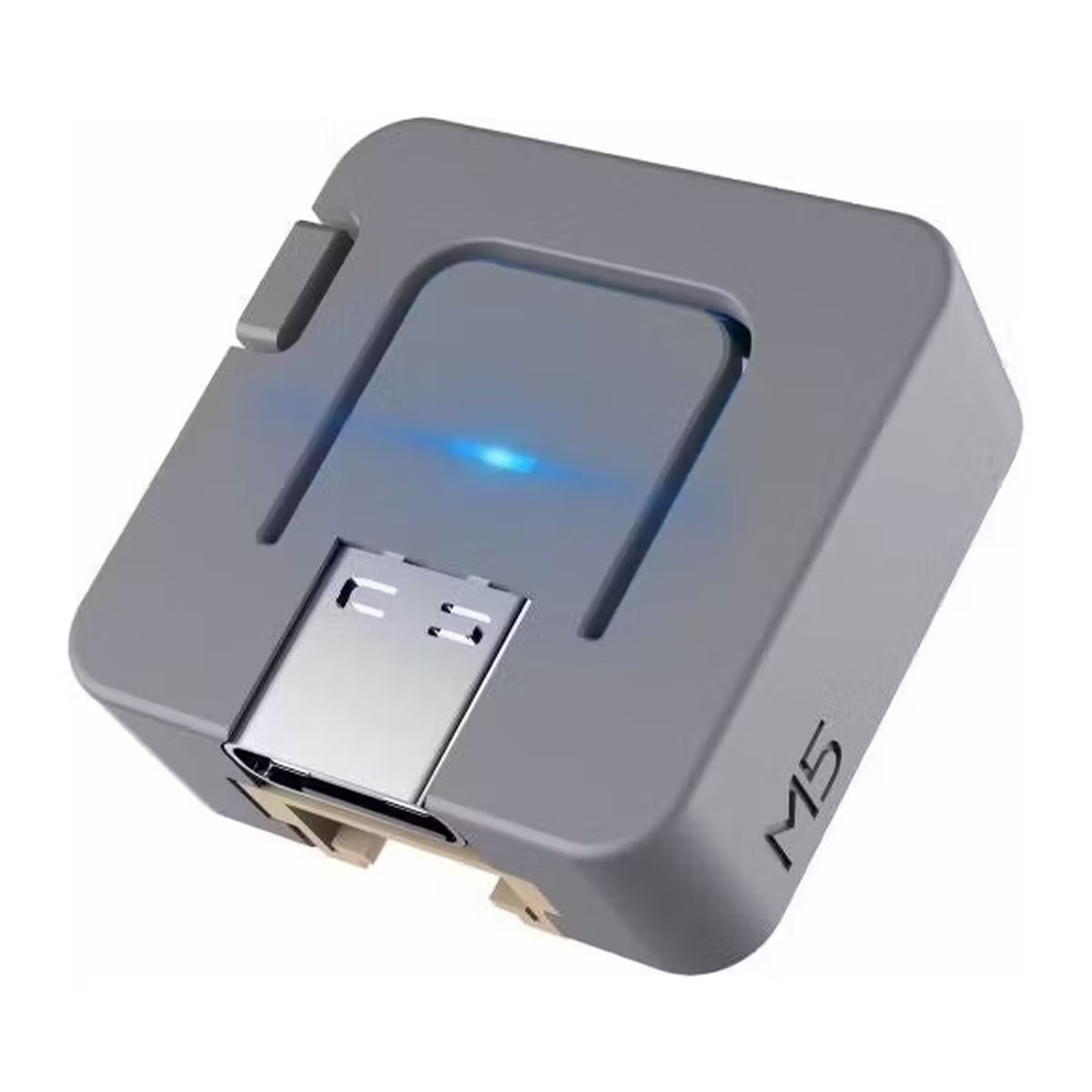
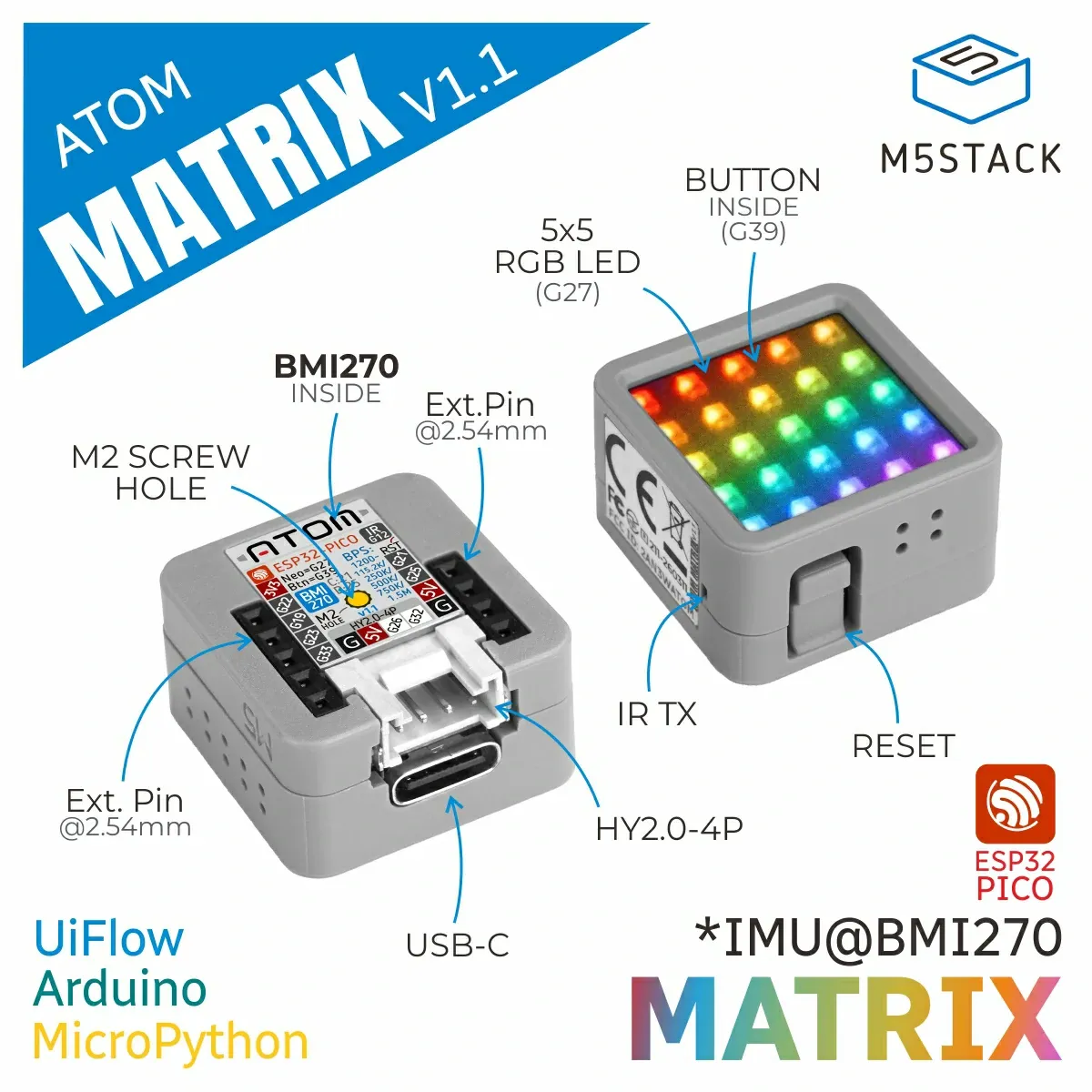
Install ESPHome on the ATOM Lite (the same way as in our other guides) and use this configuration. The board reads the price directly from Home Assistant and changes colour every time the price changes:
esphome:
  name: elpris-lampa

esp32:
  board: m5stack-atom
  framework:
    type: esp-idf

wifi:
  ssid: !secret wifi_ssid
  password: !secret wifi_password

api:
  encryption:
    key: !secret api_key

ota:
  - platform: esphome

light:
  - platform: esp32_rmt_led_strip
    id: status_led
    name: "Price light"
    pin: GPIO27
    num_leds: 1
    rgb_order: GRB
    chipset: SK6812

sensor:
  - platform: homeassistant
    id: elpris
    entity_id: sensor.nord_pool_se3_current_price   # replace with your sensor
    on_value:
      then:
        - light.turn_on:
            id: status_led
            brightness: 40%
            red: !lambda 'return x > 0.8 ? 1.0 : 0.0;'
            green: !lambda 'return x > 1.5 ? 0.0 : 1.0;'
blue: 0%| Colour | Price (spot, SEK/kWh) | Meaning |
|---|---|---|
| Green | below 0.80 | Run washing, dishes and charging now |
| Yellow | 0.80 to 1.50 | Normal price |
| Red | above 1.50 | Wait if you can |
The limits are only examples. Change the numbers in the configuration to suit your price area and the season. Prices in SE4 are often higher than in SE1, and higher in winter than in summer.
💡 Find the right sensor
Go to Settings → Devices & services → Entities and search for Nord Pool. Copy the entity id of the current price and paste it into the configuration.
Step 3: Let the heat pump follow the price
If you have a NIBE F730, F750, F1145 or F1245 connected with our RS485 kit, Home Assistant can change the heating curve offset. The house works as a heat battery: a degree or two lower during the most expensive hours is hardly noticeable indoors, but saves money every day. How to connect the heat pump: the NIBE guide.
alias: Lower the heat when electricity is expensive
triggers:
  - trigger: numeric_state
    entity_id: sensor.nord_pool_se3_current_price
    above: 1.5
    id: expensive
  - trigger: numeric_state
    entity_id: sensor.nord_pool_se3_current_price
    below: 1.5
    id: normal
actions:
  - action: number.set_value
    target:
      entity_id: number.heat_offset_s1_47011   # heating curve offset
    data:
      value: "{{ -2 if trigger.id == 'expensive' else 0 }}"
⚠️ Start carefully
Lower by a step or two at a time and see how the house reacts. The name of the offset entity can differ between models. Search for offset among the heat pump entities in Home Assistant.
Step 4: More ideas
- Notification about cheap hours: tomorrow's prices are published around 13:00. A notification in the afternoon helps you plan.
- EV charging: many chargers have a Home Assistant integration and can start when the price is lowest.
- Hot water: run extra hot water on the heat pump at night when power is cheap.
- Show the price on a display: with an Atom Matrix you can draw a bar that grows the more expensive power is.
alias: Cheapest hours tomorrow
triggers:
  - trigger: time
    at: "14:00:00"
actions:
  - action: notify.mobile_app_your_phone
    data:
      message: >-
        Electricity price right now: {{ states('sensor.nord_pool_se3_current_price') }} SEK/kWh.
        Check the graph in Home Assistant and run the washing and dishes in the cheap hours.
Frequently asked questions
Does the Nord Pool integration cost anything?
No. It is part of Home Assistant and fetches open spot prices without an account.
Does the price light work if the internet goes down?
The light shows the last price it received. Home Assistant needs the internet to fetch new prices.
Can the same ATOM Lite do more?
Yes. It can also be a Bluetooth proxy at the same time, or get a CO2 sensor on the Grove port.
How much will I save?
It depends on your contract, price area and consumption. The biggest effect comes from what can be moved in time: heating, hot water, EV, washing and dishes.
Build your price light for 209 kr
The ATOM Lite ships from our stock in Sweden and is ready in fifteen minutes with ESPHome.
Buy ATOM Lite